Featured images & media: heroes, cards, and a photo-essay layout
Pick the right kind of image source, control where it shows up, write good alt text, and turn off the TOC for prose-light photo essays.

This post is a small photo essay that demonstrates the theme’s image features end-to-end. Notice the things this page is doing that others aren’t:
- The hero is a local asset from
src/assets/images/posts/featured-images-and-media/coastline.jpg, routed through Astro’s image pipeline (responsivesrcset, WebP). toc: falseEno right-hand table of contents. Photo essays read better without one.showFeaturedImage: trueis set explicitly, even though that’s the site default. Authors can turn it off per post if they prefer.
You have three storage options. Hero images and card thumbnails are
routed through a small SmartImage wrapper that picks the right
strategy automatically:
Drop the file into src/assets/images/posts/<post-identifier>/ and reference it from the post’s
frontmatter as a path relative to the markdown file:
# src/content/posts/en/coast-walk.md ↁEsrc/assets/images/posts/coast-walk/coastline.jpgheroImage: ../../assets/images/posts/coast-walk/coastline.jpgheroImageAlt: A long exposure of waves on a rocky coastlineThe content collection schema uses Astro’s image() helper, so the
file is validated, dimensions are inferred at build time, and the
image flows through the optimizer (modern formats + responsive
srcset). This is the option you should pick by default.
In MDX you can also import assets explicitly and feed them to
<Image> for inline use:
import { Image } from 'astro:assets';import coastline from '../../assets/images/posts/featured-images-and-media/coastline.jpg';
<Image src={coastline} alt="A coastline at dusk" widths={[400, 800, 1600]} />Drop the file into public/ and reference it by absolute path:
heroImage: /images/coastline.jpgheroImageAlt: A long exposure of waves on a rocky coastlinePros: zero ceremony. Cons: no automatic optimisation EAstro
deliberately does not process anything in public/. The browser
receives the file exactly as it sits on disk. Use this for assets
that must keep a stable URL (favicons, OG defaults, web manifest).
Remote URLs are first-class. The hero and card components run them
through Astro’s image service, which fetches the source at build
time, transcodes it to WebP, and emits a responsive srcset:
heroImage: ../../assets/images/posts/typography-and-markdown/light-through-window.pngheroImageAlt: Soft daylight on a wooden deskThe host must be allow-listed in image.remotePatterns inside
astro.config.mjs. The defaults cover Unsplash,
GitHub user content, jsDelivr, Cloudinary and Cloudflare Images;
add your own CDN if you use one. Any host not on the list will fail
the build with a clear error.
The hero shows up in two places:
- As a thumbnail on cards (home page, listings, archives, tag and category pages).
- As a large hero on the post page itself.
Both are controlled by:
SITE.showFeaturedImagesinsrc/config.tsEthe site-wide default.SITE.dynamicPostCardHeightinsrc/config.tsE controls whether listing cards with hero thumbnails keep a fixed desktop height (false) or can expand for longer excerpts (true).showFeaturedImageper-post Eoverrides the site default.heroImageper-post Eprovides the actual image source.
If heroImage is missing, no hero is rendered regardless of the
flags. If heroImage is set but showFeaturedImage: false, the post
page is text-only Ebut the card on listings can still use the hero,
depending on your layout customisations.
If your listing pages feel too rigid (or too uneven), this is the knob to tune globally without editing component markup.
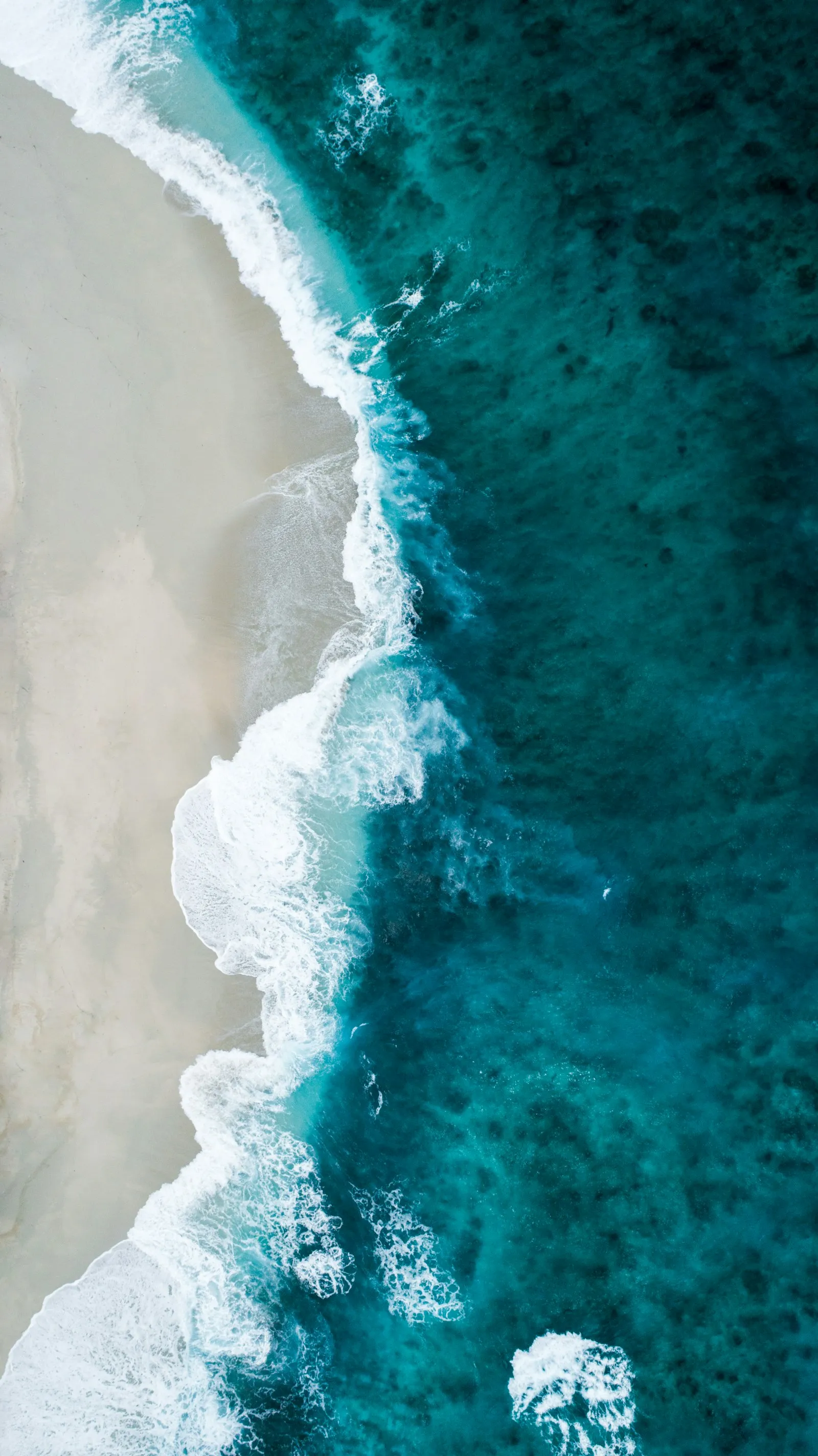
Inline Markdown images render edge-to-edge inside the prose column:

A captioned figure with a <figcaption>:
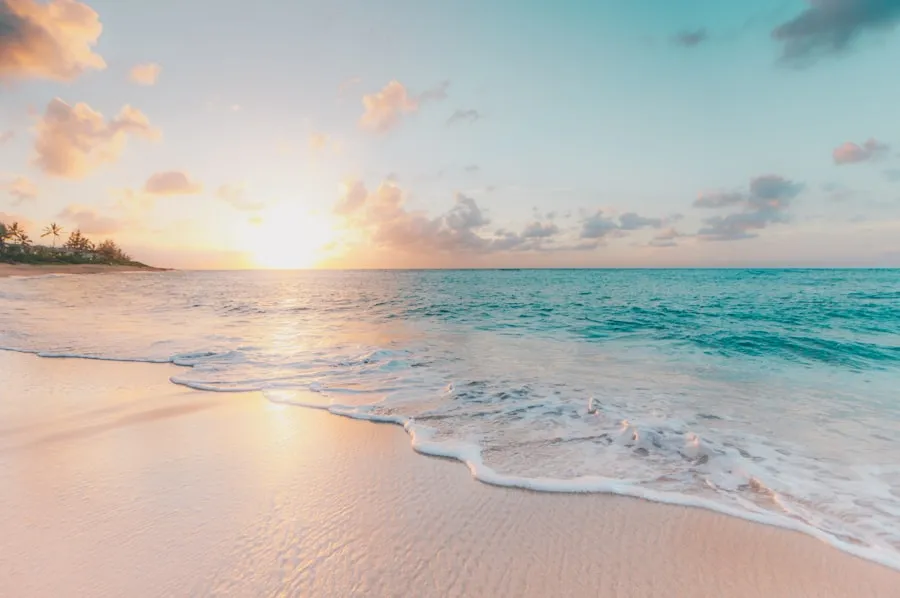
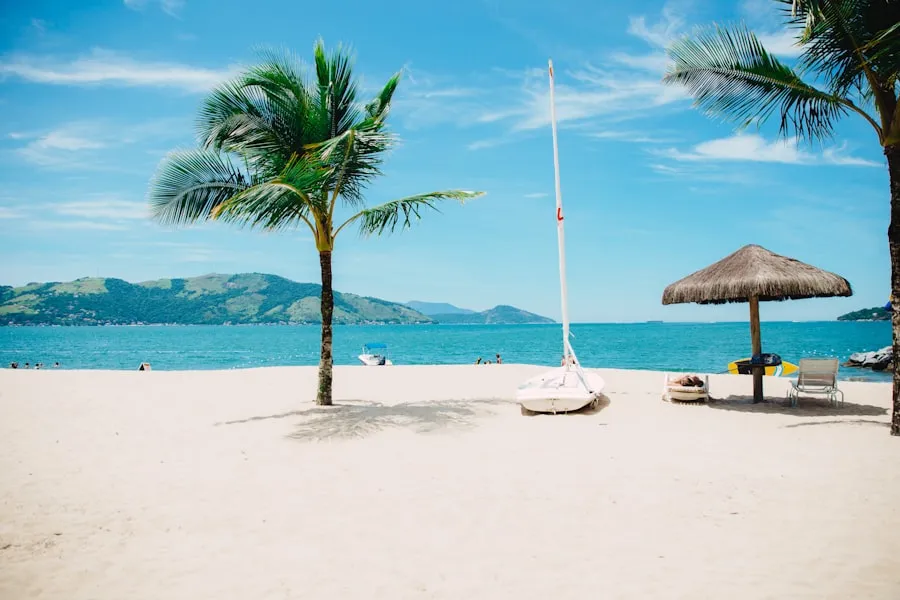
Side-by-side images? Drop them inside an HTML <div> with Tailwind
classes (this is MDX, after all):
The theme ships a <VideoEmbed> component for responsive,
privacy-friendly video embeds. It renders a 16:9 iframe with rounded
corners and an optional caption Econsistent with how the theme styles
images.
Use the shorthand platform + id props Ethe component builds the
embed URL automatically (using youtube-nocookie.com for privacy):
Works the same way:
For any other provider, pass the full embed URL via src:
<VideoEmbed src="https://www.youtube-nocookie.com/embed/dQw4w9WgXcQ" title="Custom embed URL" caption="Optional caption text"/>heroImageAlt is technically optional. Don’t treat it that way.
- Decorative images (a coloured stripe at the top of a post): use
empty alt E
heroImageAlt: "". - Content images (a screenshot, a photograph, a chart): describe what the image conveys, not the file.
- Don’t start with “Image of…” Escreen readers already announce it as an image.
The theme uses heroImageAlt for the post hero and for the card
thumbnail on listings, so a well-written alt benefits both contexts.
- Hero & card images are run through
SmartImageand get a responsivesrcsetin WebP automatically Eno extra work needed. - Inline images authored with raw
<img>getloading="lazy"only if you set it; Markdown’s![]()syntax does not. Prefer the<img loading="lazy">form (or Astro’s<Image>) for below-the-fold imagery. - For inline images you control, use
<Image>fromastro:assetswith an importedsrc/assets/images/posts/<post-identifier>/...file to get the same modern-format, responsive output the hero gets. - For locally-stored hero images, prefer
src/assets/images/posts/<post-identifier>/overpublic/if you can Eonly the former goes through the optimizer.
Photo essays read best without distractions. That’s why this post:
- Hides the TOC (
toc: false). - Uses one large hero plus a few inline figures.
- Stays in MDX so you can drop in side-by-side grids without leaving Markdown.
Happy shooting.